Why Google Maps Rankings Differ on Mobile vs Desktop
Google Maps shows different rankings on mobile and desktop because location precision, device signals, and algorithm behavior all vary by device. Understanding why helps you stop chasing phantom rank swings and start optimizing for where your customers actually search.
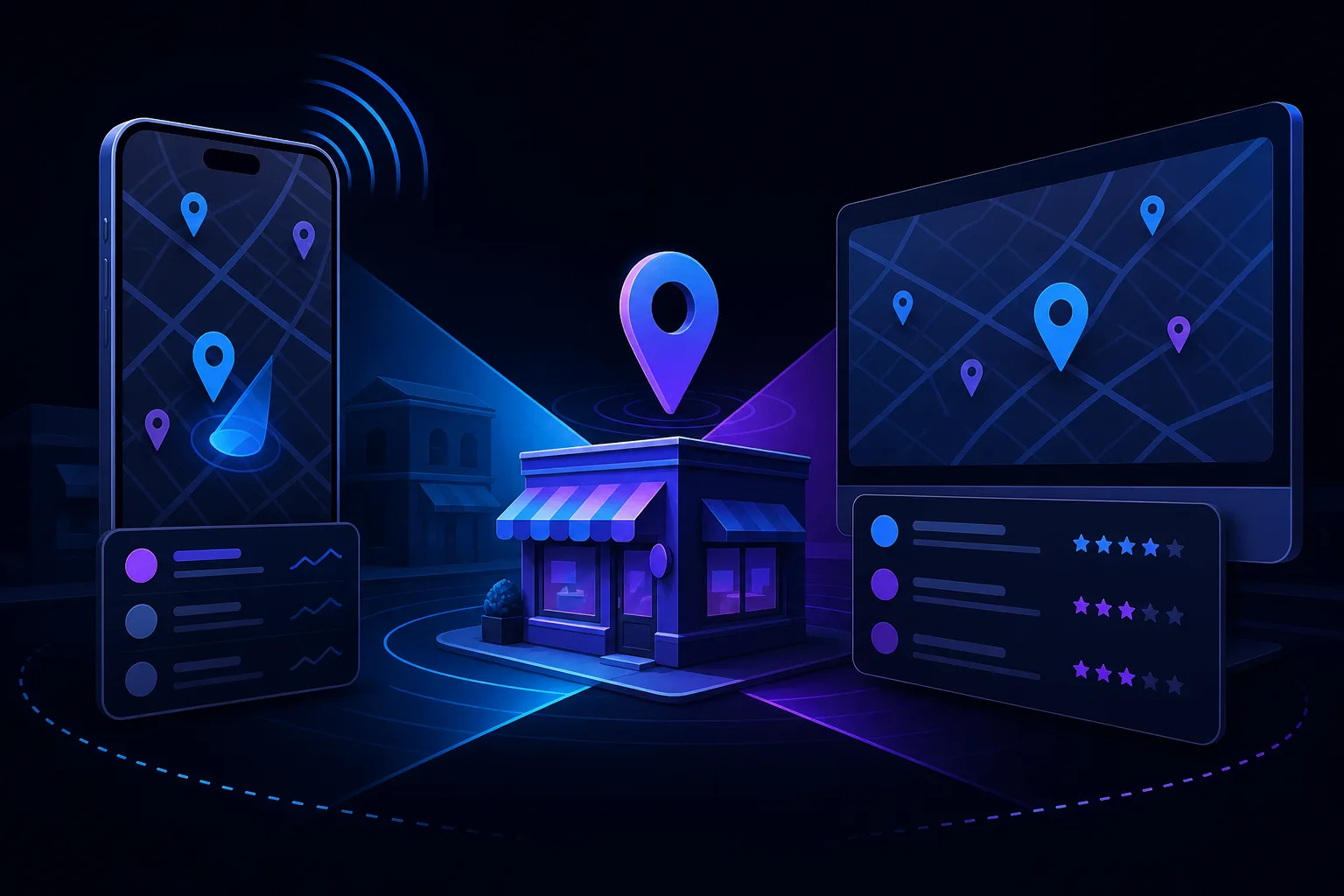
TL;DR: Google Maps rankings on mobile and desktop diverge because mobile searches use precise GPS location, while desktop searches rely on estimated IP-based location. Add device-specific algorithm behavior and personalization, and you might rank near the top on a phone and much lower on a laptop for the same query at the same moment. This is expected, not a bug.
What Happened
Small business owners regularly notice a maddening gap: type your own category into Google Maps on your iPhone, you show up in the top three. Open a laptop and run the same search, you're buried. Or the reverse. It happens constantly, and it's not your imagination.
Google confirmed years ago that local search results vary by device, but it rarely explains the mechanics. So owners do what humans do: assume something broke, make a bunch of changes, and break something else.
The short version: these are two different search environments feeding into the same results page, and they behave differently on purpose.
Why It Matters
This isn't just a curiosity. If you're tracking your local rankings, the device you use to check them skews every reading you take. And if you're optimizing based on a reading taken on the wrong device for your customer base, you're chasing the wrong target.
Here's what actually separates mobile and desktop Maps behavior:
Location precision is the biggest driver
Mobile devices with GPS enabled give Google your precise latitude and longitude. Desktop searches use IP geolocation, which can place a user miles away from their actual location, sometimes in a different city entirely.
Distance is one of Google's three core local ranking factors (alongside relevance and prominence). A small shift in assumed user location can flip an entire local pack order. A plumber who sits 0.4 miles from a mobile user might sit 3.2 miles from what Google thinks is the desktop user's location. That gap changes who ranks.
Device signals influence the results mix
Google tailors results partly based on device context. Mobile searches for "emergency HVAC repair" carry an implied urgency and mobility that desktop searches don't. Google's systems interpret these differently and may surface different businesses or rank existing ones differently.
This isn't a conspiracy. It's Google trying to return results that are useful for how you're actually searching.
Personalization layers on top
Search history, previously clicked listings, and Google account activity all personalize results. Mobile and desktop often have separate search histories or different account states (logged in vs. logged out). Personalization can account for noticeable position swings on its own.
The local pack vs. Maps distinction
The three-pack embedded in standard search results and the full Maps experience rank businesses slightly differently. Desktop users often see the embedded pack first. Mobile users frequently go straight into the Maps app. These are related but not identical ranking systems.
Takeaway: Device-based ranking differences are structural, not random. Your GBP isn't glitching.
Find out what your site is leaving on the table Get your free audit

What We Don't Know Yet
Google doesn't publish a breakdown of how much weight it gives to GPS precision versus IP location on desktop, or exactly how device signals affect prominence scoring. Third-party rank trackers approximate this, but none of them perfectly replicate a real user's device-and-location combination.
There's also an open question about how AI-generated local answers (now appearing in Search) will eventually diverge by device. Early indications suggest mobile and desktop AI overviews for local queries already differ, but the ranking logic behind that is opaque. If you want to audit your AI search visibility specifically, SmartAleck offers an AI search visibility audit that looks at exactly this.
Takeaway: Treat any single-device rank check as a data point, not a verdict.
What to Do About It
Stop using your own phone or laptop as your primary rank-checking tool. That's not a ranking strategy, that's confirmation bias with extra steps.
Here's a practical diagnostic sequence:
- Identify your primary customer device. Look at your Google Analytics device breakdown. If 70% of your sessions are mobile, mobile rankings matter more. Check your GA4 device category report before you do anything else.
- Use a rank tracker that lets you set location and device separately. Tools like BrightLocal or Local Falcon let you simulate a search from a specific pin drop on mobile and desktop independently. Run both. Note the gap.
- Check your Google Business Profile for mobile-specific friction. Is your phone number click-to-call? Are your hours accurate and updated? Mobile users act faster and bounce faster. A listing that looks fine on desktop may perform poorly on mobile if the key actions aren't obvious.
- Audit your primary ranking factors across both environments. Relevance (categories, services, description keywords), distance (your actual address and service area settings), and prominence (reviews, citations, website authority) affect both mobile and desktop. These are your levers. See also: why your GBP ranking drops on weekends for related proximity behavior.
- Don't make GBP changes based on a single-device observation. If you only see a drop on desktop, don't assume something broke on your listing. Check the full picture first.
If you want a professional read on where your local presence actually stands across devices and search environments, start with a free AI readiness audit or get in touch directly.
Takeaway: Fix your rank-checking process before you fix your rankings.
Find out what your site is leaving on the table
SmartAleck's free AI readiness audit scores your search presence and shows the exact gaps costing you customers. Two minutes, no sales call.
Frequently asked questions
Should I prioritize my mobile or desktop Maps ranking?
Whichever device your customers actually use to find you. Check your Google Analytics device breakdown first. For most local service businesses like plumbers, repair shops, or law offices, mobile traffic dominates and mobile rank matters more.
Can I improve my mobile Maps ranking without affecting desktop?
Not in any precise way. The core ranking factors, relevance, proximity, and prominence, affect both. What you can do is reduce mobile-specific friction on your listing, like ensuring your phone number is clickable and your hours are current, which tends to improve mobile engagement signals.
Why does my rank look perfect when I check it myself but customers say they can't find me?
Your own search history and location personalize your results heavily. When you search for your own business type, Google has likely learned your preferences and serves your listing higher than a cold user would see it. Use a neutral rank tracking tool set to a customer location instead.
Do review quantity and rating affect mobile and desktop rankings differently?
Reviews feed into your prominence score, which applies across both environments. There's no confirmed device-specific weighting for reviews. More reviews and higher ratings help your ranking universally, though the magnitude of that effect can look different by device due to other variables.
You May Also Like
View All Posts
Why Your GBP Ranking Differs Between Mobile and Desktop
Your Google Business Profile can rank in the top three on a desktop and fall off the map on mobile, or vice versa. This isn't a glitch. Mobile and desktop searches pull different signals, and understanding the gap is the first step to closing it.

Why Your GBP Ranking Changes by Zip Code
Your Google Business Profile doesn't have one ranking. It has dozens, one for every neighborhood, zip code, and street corner where someone searches. Proximity to the searcher is the biggest single factor, and that changes constantly. Here's what's happening and what to do.
Competitor Outranking You on Google Maps? Fix It
When a competitor camps out above you in the Google Maps 3-pack, it's rarely luck. It's a checklist you haven't finished. Here's how to diagnose the gap and close it, step by step.

Why Google Shows a Different Business Name Than Yours
Your website says one thing, Google says another. Here's why Google sometimes overrides your business name on Maps and Search, what causes it, and the exact steps to get your real name back.