Why Your GBP Ranking Changes by Zip Code
Your Google Business Profile doesn't have one ranking. It has dozens, one for every neighborhood, zip code, and street corner where someone searches. Proximity to the searcher is the biggest single factor, and that changes constantly. Here's what's happening and what to do.
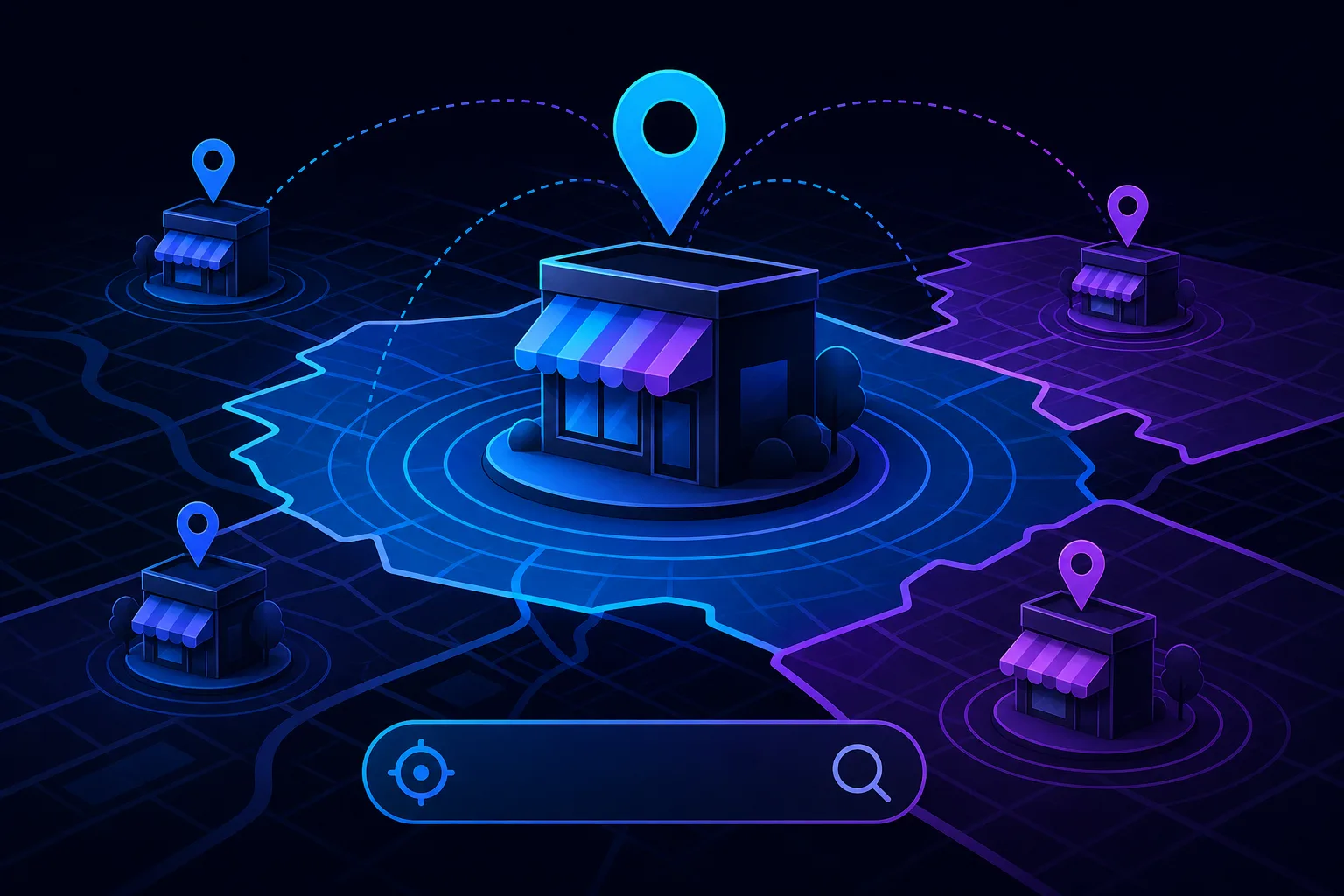
TL;DR: Your GBP ranking isn't a fixed number. It shifts based on where the searcher is standing when they search. A plumber ranked #1 downtown can fall off the map pack entirely two miles north. Proximity is the dominant local ranking factor, but it's not the only lever you can pull.
What's Happening
Google's local pack algorithm weights three broad factors: relevance, distance, and prominence. Distance, meaning the physical gap between the searcher's location and your business address, is doing most of the heavy lifting for position.
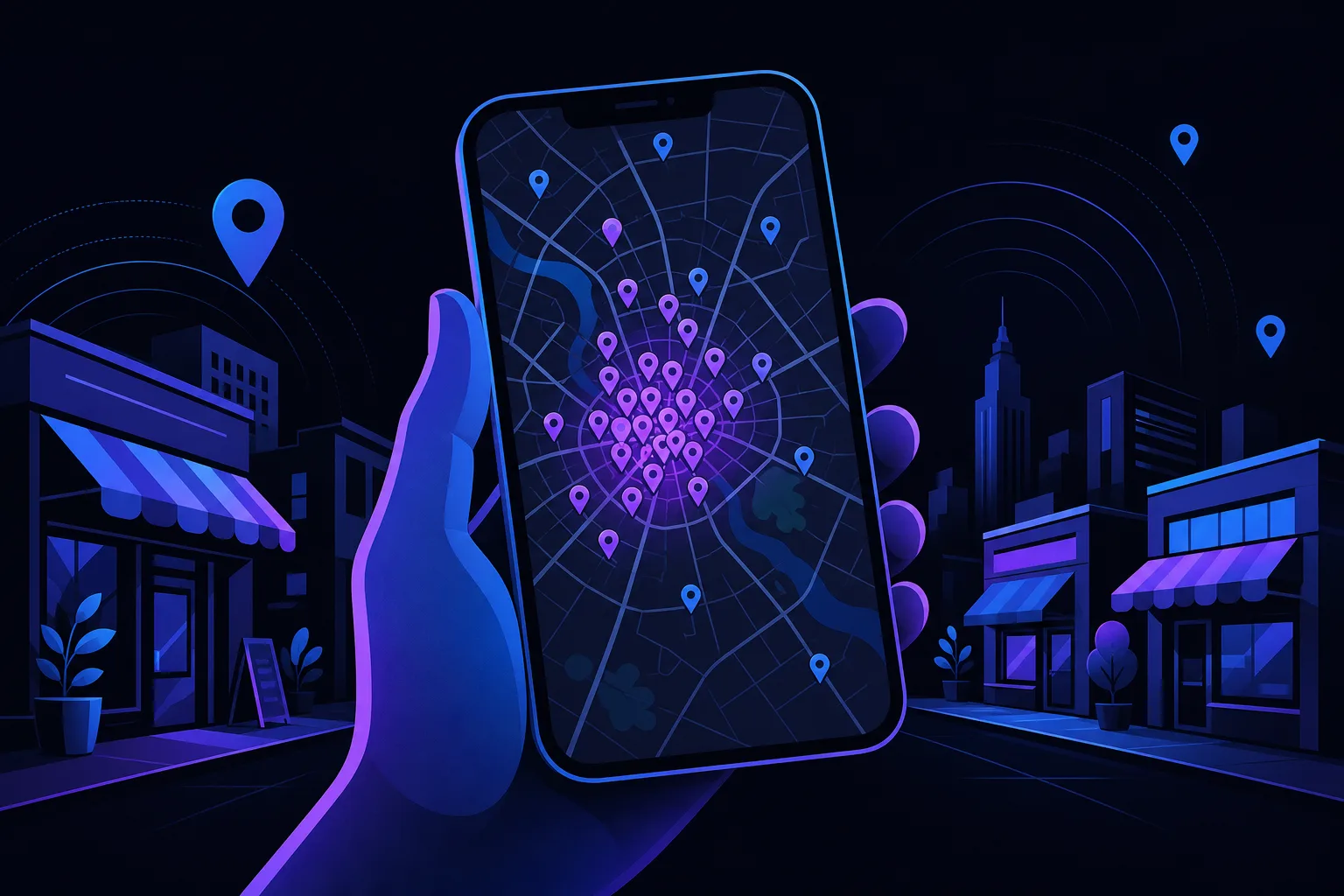
When someone in zip code 33401 searches "roof repair near me," Google calculates distance from their device to every nearby roofing business. The closer you are, the stronger your proximity signal. Move that same search to zip code 33411, five miles west, and the math changes. Businesses that were irrelevant before suddenly become competitive, and yours may drop from position 2 to position 8 or disappear from the local pack entirely.
This is called rank proximity decay: your ranking gets weaker the farther the searcher is from your address. It's not a glitch. It's the system working exactly as designed.
Google also uses the searcher's IP address, GPS data, and the implied location from neighborhood-specific search terms. Searching "plumber in Northwood" signals a different geographic intent than "plumber near me," and Google treats them differently.
Takeaway: You don't have one GBP ranking. You have a ranking surface that rises near your address and falls away from it.
Why It Matters
Most small business owners check their GBP rank from their own phone, at their own address. That's like a pizza shop owner taste-testing their own pizza from behind the counter and calling it a quality audit. You're looking at your best-case position.
If your service area spans multiple zip codes, which is true for nearly every home services business, law office, or repair shop with a drive radius, then your "ranking" is wildly different depending on where the customer is searching from.
This has real revenue consequences. A roofing company in West Palm Beach might dominate zip code 33401 but lose every lead that originates from 33411 or 33417. If those zip codes represent a third of their potential market, that's a blind spot in their growth strategy, not just a vanity metric.
Proximity decay also explains why a competitor with fewer reviews or a less complete profile outranks you in certain areas. They're simply closer to the searcher. Prominence and relevance can partially offset distance, but they rarely overcome a large gap.
Takeaway: Checking your rank from your own address tells you almost nothing about how customers in other zip codes find you.
Find out what your site is leaving on the table Get your free audit
What We Don't Know Yet
Google does not publish its exact proximity weighting formula. We know distance matters enormously from Google's own documentation and from years of observable ranking behavior. We don't know the precise radius at which proximity decay becomes decisive versus when prominence can compensate.
We also don't know how much Google's AI-driven search features (like AI Overviews and conversational search) will eventually reshape local proximity signals. Right now, the local pack still behaves like a proximity-first system. That could shift. For context on how AI search is changing business visibility, see why AI chatbots cite some businesses and ignore others.
Service area businesses, meaning those that travel to customers rather than receive them at a fixed address, face a related uncertainty. Google allows service area businesses to hide their address and define a service radius. How Google weights proximity for these listings versus physical-address businesses isn't fully transparent.
Takeaway: The proximity-first model is well established. Its exact tipping points are not.
What to Do About It
You can't move your building, but you can work the other two factors: relevance and prominence. Here's a practical sequence.
1. Map your actual rank across zip codes. Don't guess. Use a local rank tracking tool that lets you run grid-based searches across your service area. You want to see where you show up, where you don't, and how far your strong-ranking zone actually extends. SmartAleck's free marketing tools include resources to start diagnosing your local presence.
2. Identify your weak zip codes. List every zip code in your service area. Mark which ones generate leads and which don't. Cross-reference with your rank data. Weak-rank zip codes with high commercial intent are your priority targets.
3. Build location-specific relevance signals. This is where you can actually move the needle on distance decay:
- Create service area landing pages that name specific cities and neighborhoods. See why your service area pages aren't ranking for a detailed breakdown of what makes these pages work.
- Earn reviews that mention specific neighborhoods or zip codes by name. A review that says "arrived fast to our home in Greenacres" carries more geographic signal than a generic five-star rating.
- Build local citations that consistently list your service areas.
4. Use posts and Q&A on your GBP to reinforce service area relevance. Regularly posting about work done in specific neighborhoods or answering questions that reference city names adds geographic context to your profile. It's a small signal, but it compounds.
5. Consider your SAB (service area business) settings. If you're hiding your address, make sure your defined service area in GBP actually matches where you want to rank. Overly broad service areas dilute your signal. Overly narrow ones exclude real customers.
If you're not sure how severe your proximity gap is or which zip codes to prioritize, a structured local SEO audit can map the gap clearly. SmartAleck's local SEO services are built for exactly this kind of geographic reach problem.
Takeaway: You can't eliminate proximity decay, but you can shrink its impact by building strong relevance and prominence signals in the zip codes that matter to your business.
Find out what your site is leaving on the table
SmartAleck's free AI readiness audit scores your search presence and shows the exact gaps costing you customers. Two minutes, no sales call.
Frequently asked questions
Does having more reviews help me rank in zip codes far from my address?
Reviews contribute to prominence, which can partially offset distance disadvantage. However, proximity is weighted so heavily that reviews alone rarely overcome a large geographic gap. They help more at the margins, for example deciding between two businesses of similar distance.
How can I check my GBP ranking in different zip codes?
Standard Google searches from your own device show your best-case rank. To see how you appear to customers elsewhere, use a grid-based local rank tracker that simulates searches from specific coordinates or zip codes. Several third-party tools offer this, and SmartAleck's tools page is a good starting point.
Does a service area business rank the same way as a business with a physical address?
Not exactly. Google uses your defined service area as a proxy for proximity when you hide your address. The algorithm is less transparent for SABs, but defining a realistic, specific service area still matters. Overly broad definitions appear to dilute your ranking rather than expand it.
Will adding more cities to my GBP service area help me rank in those cities?
Adding cities to your GBP service area alone rarely produces meaningful rank improvements in those locations. Pairing GBP service area settings with actual location-specific content on your website, like dedicated service area pages, produces much better results.
You May Also Like
View All Posts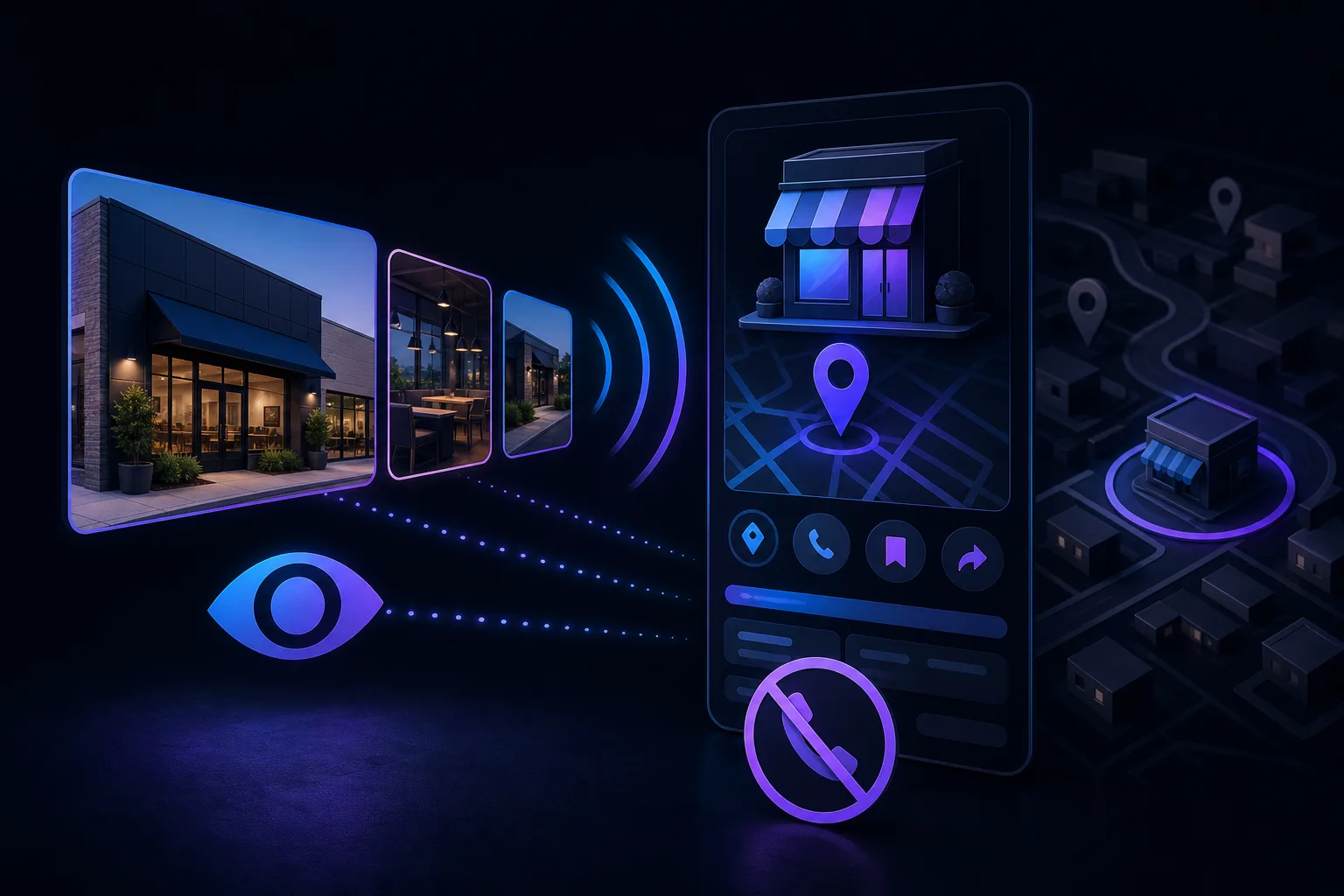
Why Your GBP Photos Get Views but Your Profile Gets No Calls
High photo views on your Google Business Profile feel like progress, but they mean almost nothing if nobody calls. The real problem is usually a mismatch between what your photos promise and what the rest of your profile delivers. Here's how to diagnose it.
How to Rank in Google's Local Map Pack (Step by Step)
Google’s local results consider relevance, distance, and prominence. This guide shows practical steps to improve your Business Profile, earn genuine reviews, and keep business details accurate.
Google Business Profile Optimization Checklist (2026)
Your Google Business Profile is often the first thing a local customer sees before your website. This checklist walks you through every section, in order, so nothing gets skipped and your listing actually does its job.
GBP Insights vs GA4: Are You Measuring the Same Visitors Twice?
GBP Insights and GA4 are not measuring the same visitors, and adding them together is a mistake. Each tool counts a different user action. Here is how to read both without fooling yourself.