GBP Insights vs GA4: Are You Measuring the Same Visitors Twice?
GBP Insights and GA4 are not measuring the same visitors, and adding them together is a mistake. Each tool counts a different user action. Here is how to read both without fooling yourself.
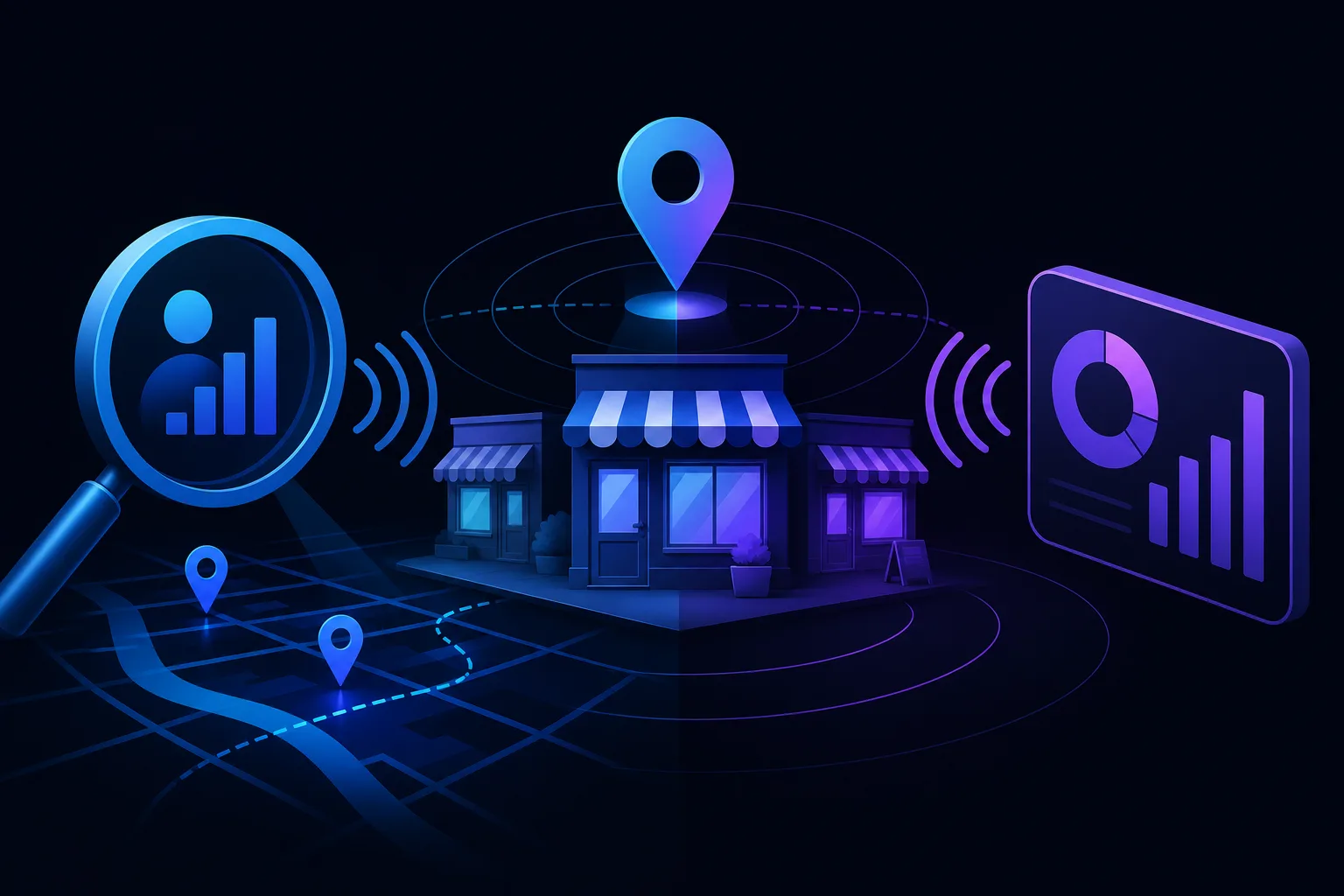
TL;DR: GBP Insights counts actions on your Google Business Profile, like map views, direction requests, and calls. GA4 counts sessions on your website. They overlap only when someone clicks your website link from GBP. Treating them as a combined total inflates your numbers and hides what is actually working.
At a Glance
| GBP Insights | GA4 | |
|---|---|---|
| What it tracks | Profile actions on Google | Sessions and events on your website |
| Who it counts | Anyone who interacts with your GBP listing | Anyone who visits your site |
| Overlap | Only the "website clicks" from GBP that land on your site | Only if UTM-tagged or direct referral is captured |
| Blind spots | No visibility into what users do after leaving Google | No visibility into users who call or get directions without visiting the site |
| Best for | Measuring local search presence and profile performance | Measuring what visitors do once they reach your site |
What GBP Insights Actually Counts
GBP Insights tracks behavior that happens on Google, before anyone touches your website. Specifically:
- Profile views: How many times your listing appeared and was clicked in Search or Maps
- Direction requests: People who asked Google Maps to route them to you
- Calls: Clicks on your phone number from mobile (Google tracks the tap, not whether the call connected)
- Website clicks: The number of times someone clicked the website link on your profile
- Messages and bookings: If those features are enabled
A plumber who gets 200 direction requests a month from GBP is generating real business activity, none of which ever shows up in GA4. If you only look at your website analytics, that entire channel is invisible.
Takeaway: GBP Insights is a measure of your local search presence. It tells you how many people decided to engage with your business before they ever touched your site.

What GA4 Actually Counts
GA4 tracks sessions and events on your website. It sees a user when they land on one of your pages, and it tracks what they do from that point forward: pages visited, time on site, form submissions, phone number clicks on your site, and any custom events you configure.
GA4 does not see:
- Users who called you directly from your GBP listing
- Users who got directions and drove to your location
- Users who saw your profile and then called you from memory without visiting your site
For a law office or repair shop, a significant portion of conversions can happen entirely within Google's ecosystem. GA4 will never log those.
Takeaway: GA4 is a measure of on-site behavior. It starts where GBP Insights ends, and only when a user actually clicks through to your site.
Find out what your site is leaving on the table Get your free audit
Where They Overlap (And How to Measure It Cleanly)
The one place these tools share data is the website click in GBP. When someone on your GBP listing clicks "Website," they land on your site and GA4 can record that session.
The problem: GA4 often misattributes that traffic. Without a UTM parameter on your GBP website link, GA4 may log those visits as direct traffic or organic search depending on the browser and referral chain. You lose the connection between the GBP action and the site session.
How to fix it:
- Go to your Google Business Profile and edit your website URL.
- Append a UTM string:
?utm_source=google&utm_medium=gbp&utm_campaign=profile - Save and verify the link still resolves correctly.
- In GA4, create a segment or exploration that filters sessions where
source = googleandmedium = gbp.
Now you can directly compare GBP-reported website clicks against GA4 sessions from that source. If GBP says 80 website clicks and GA4 shows 60 sessions from that UTM, the 20-click gap is likely mobile users who tapped and immediately called or bounced before the analytics tag fired. That is expected, not a bug.
Takeaway: UTM-tag your GBP website link. It is the only way to connect these two data sets without guessing.
The Double-Counting Trap
Here is the mistake local business owners and their marketing vendors make constantly: they add GBP Insights numbers to GA4 numbers and present the combined figure as "total monthly visitors."
That is wrong. A user who views your GBP profile, clicks your website, and is then counted in GA4 is one person counted twice. GBP Insights counted them as a website click. GA4 counted them as a session. They are the same human.
The actual count of unique interactions is: all GBP actions that did NOT result in a website click, plus GA4 sessions from all sources. Adding the top-line GBP number to the top-line GA4 number always overstates reach.
If a marketing report ever shows you "1,400 GBP views + 800 GA4 sessions = 2,200 people reached," ask how much of that 1,400 overlaps with the 800. The honest answer is: some of it does, and without UTM data you cannot know exactly how much.
Takeaway: Never add GBP and GA4 totals. They are different measurement layers, not separate audience pools.
How to Read Both Tools Together
Think of GBP Insights and GA4 as two floors of the same building. GBP is the street level, where people discover and decide. GA4 is the interior, where people explore once they walk in.
A useful reporting framework for a local business:
GBP Insights monthly: Total profile views, calls, direction requests, and website clicks. Track these month-over-month. Rising calls and direction requests without rising website clicks means your profile is working, but your site link may be weak or unnecessary for how customers engage with you.
GA4 monthly: Sessions from organic, direct, paid, and your
gbpUTM segment specifically. Look at which pages GBP visitors land on and whether they convert.The bridge metric: GBP website clicks vs. GA4 sessions from the
gbpUTM. This gap tells you about mobile friction and tag-firing reliability.
For deeper context on which local metrics actually signal growth, see local SEO metrics that signal growth.
If your analytics setup feels unreliable, 5 Signs Your Analytics Data Is Lying to You covers the most common breakdowns.
Verdict
GBP Insights and GA4 are complementary, not redundant. They measure different stages of the same customer journey. GBP shows how many people engaged with your business on Google. GA4 shows what a subset of those people did on your website afterward.
The right move is to track both separately, UTM-tag your GBP link so the overlap is measurable, and never combine their totals into a single "visitors" figure.
If you are not sure whether your current analytics setup is capturing any of this correctly, a free AI readiness and marketing audit is a fast way to find out what your data is actually telling you versus what you think it is.
Find out what your site is leaving on the table
SmartAleck's free AI readiness audit scores your search presence and shows the exact gaps costing you customers. Two minutes, no sales call.
Frequently asked questions
Does GA4 automatically track traffic from my Google Business Profile?
Not reliably. Without a UTM parameter on your GBP website link, GA4 may log those visits as direct or organic traffic, making it impossible to isolate. Add a UTM string to your GBP website URL to track it as a distinct source.
If someone calls me from my GBP listing, does GA4 see that?
No. GA4 only records sessions that occur on your website. A call tap from your Google Business Profile happens entirely within Google's ecosystem and is logged only in GBP Insights, not in GA4.
Are GBP profile views the same as website visits?
No. A profile view means someone saw your listing in Google Search or Maps. A website visit means they clicked through to your site. Most profile viewers never click to the website, which is why GBP view counts are almost always much higher than GA4 session counts.
What is a realistic gap between GBP website clicks and GA4 sessions from the same source?
Some gap is normal. Mobile users may tap a link and leave before the analytics tag fires, or they may be blocked by browser privacy settings. A gap of roughly 10–30 percent or more is not unusual, though no universal benchmark exists. A gap that seems unexpectedly large suggests a tracking or redirect issue worth investigating.
You May Also Like
View All Posts
Google Search Console vs GA4: Who Answers What
Search Console and GA4 measure different things and most small business owners mix them up constantly. Here's a plain-English breakdown of which tool answers which question, so you check the right one first.
GA4 Conversion Tracking for Local Businesses: A Real Guide
Most local businesses set up GA4 and track the wrong things, or nothing at all. Here's a step-by-step guide to setting up conversions that actually tell you whether marketing is making the phone ring.
Why Your GBP Ranking Changes by Zip Code
Your Google Business Profile doesn't have one ranking. It has dozens, one for every neighborhood, zip code, and street corner where someone searches. Proximity to the searcher is the biggest single factor, and that changes constantly. Here's what's happening and what to do.
Why Google Shows a Different Business Name Than Yours
Your website says one thing, Google says another. Here's why Google sometimes overrides your business name on Maps and Search, what causes it, and the exact steps to get your real name back.