GBP Categories: How Picking the Wrong One Hurts Your Rankings
Your Google Business Profile category is not a label, it's a ranking signal. Pick the wrong one and Google stops showing you to the customers you actually want. Here's what's happening under the hood and how to fix it without blowing up your profile.
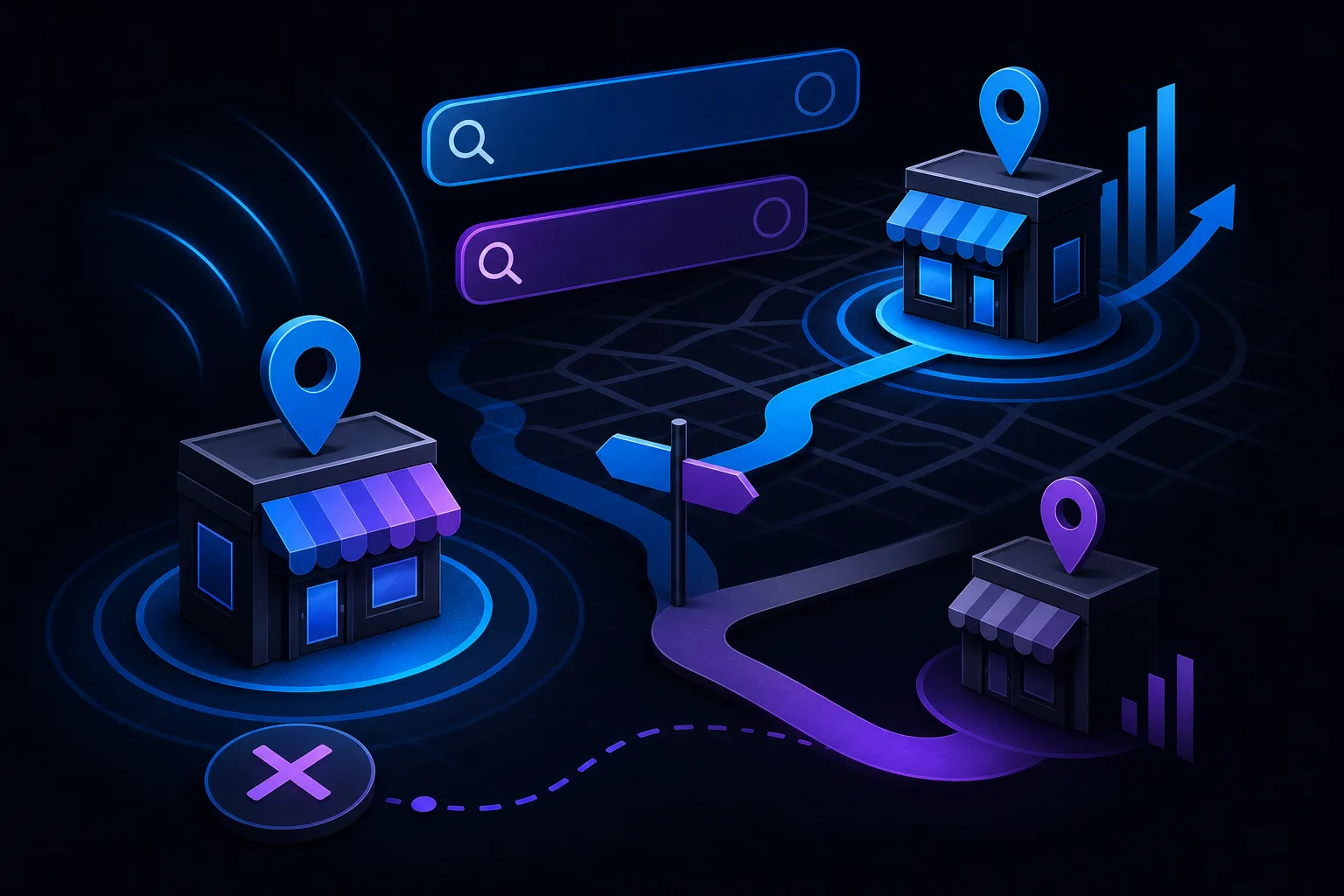
TL;DR: Your GBP primary category is one of the strongest signals Google uses to decide which searches your listing qualifies for. A mismatched category pushes you out of the map pack for your real services, and adding more categories won't fix a bad primary pick. Audit yours before you blame anything else.
What Happened
Google Business Profile categories have always mattered, but the way Google uses them has gotten more precise over time. The category you choose, especially the primary one, tells Google which search intents your business is eligible to appear for. It also influences which features Google shows on your profile, which review attributes get surfaced, and even which competitors you're stacked against.
When a business picks the wrong primary category, the mismatch is often subtle. A general contractor who selects "Construction Company" instead of "General Contractor" loses relevance signals for the exact searches homeowners actually type. A family law firm that picks "Law Firm" instead of "Family Law Attorney" is competing in a wider, fuzzier bucket rather than the specific one where their ideal clients are searching.
Google has thousands of GBP categories. Most business owners scroll until something looks close enough and click it. That's the problem.
Why It Matters
The primary category carries significantly more ranking weight than secondary categories. Think of it as your lead argument in a court filing. If the primary argument is vague or wrong, no amount of supporting evidence in the secondaries fixes it.
Here's what a wrong primary category actually does to your visibility:
You drop out of relevant map pack queries. If you run an auto body shop and you've selected "Auto Repair Shop" as your primary, you're likely underperforming on searches for "collision repair" or "dent repair" because a more specific category, "Auto Body Shop," exists and competitors using it get the relevance edge.
Your profile attributes change. GBP surfaces different optional attributes based on your category. A "Pizza Restaurant" gets attributes like "dine-in" and "curbside pickup." If you've accidentally categorized yourself as a "Restaurant," you may lose access to the more specific attributes that help searchers choose you.
You attract the wrong searchers. A plumber who categorizes as "Home Improvement" instead of "Plumber" might pick up a handful of irrelevant impressions while the map pack for actual plumbing queries fills up with correctly categorized competitors. More impressions with lower intent is not a win. (See why map pack traffic behaves differently than organic.)
Competitive benchmarking gets distorted. Google partially determines who your local competitors are based on shared categories. A wrong primary can put you in the wrong competitive cohort, which affects the relative signals Google uses to rank you within a pack.
One-line takeaway: the primary category is not a description of your business, it's an eligibility signal for specific searches.
Find out what your site is leaving on the table Get your free audit

What We Don't Know Yet
Google has never published a definitive list of which categories carry more algorithmic weight, or confirmed exactly how category changes affect ranking timelines. What practitioners observe in the wild is that category changes can take a week or more to fully propagate, and the effect on rankings isn't always linear.
It's also unclear how much category relevance interacts with proximity. If you're already close to the searcher, a slightly imprecise category may cost you less. If proximity is not in your favor, a sharp category match may partially compensate. The zip-code-level ranking variation article covers the proximity piece in detail.
One more open question: Google occasionally auto-suggests or even edits GBP categories based on what it detects from your website and third-party data. Whether this helps or hurts depends on whether Google's inference is accurate. Monitor your categories the same way you'd monitor your NAP data.
What to Do About It
Here's a practical diagnostic sequence:
Search for your own service in Google Maps. Use a private window and a location near your business. Note which categories your top-ranking competitors have listed. Google often shows the primary category under the business name in the map pack.
Open your GBP dashboard and check your primary category. Compare it directly against what your top three competitors are using. If you're in a different category, that's your answer.
Search the full GBP category list. Google maintains the list, and several third-party tools let you search it. Look for the most specific category that accurately describes your core service, not the broadest one that technically applies.
Update the primary category, then wait. Don't make five other profile changes at the same time. Isolate the variable so you can see the effect. Give it two to three weeks before drawing conclusions.
Add secondary categories strategically. Once the primary is right, use secondaries for genuine additional services, not to grab every adjacent category you can think of. A plumbing business that also does water heater installation might add "Water Heater Installer" as a secondary. A plumber adding "HVAC Contractor" because they vaguely do both is asking for irrelevance signals.
A concrete example: A hypothetical PC repair shop serving a single metro area is categorized as "Electronics Store." Their competitors in the map pack for "computer repair near me" are all using "Computer Repair Service." Switching the primary category to "Computer Repair Service" and adding "Data Recovery Service" as a secondary is the kind of targeted change that can shift map pack eligibility, not because of a trick, but because Google now correctly understands the business's core service. (See how this kind of local optimization plays out in practice at FixMyPCStore.com.)
If you want a systematic look at how your GBP and broader online presence hold up, the free AI readiness audit covers the signals that matter for local visibility, including category alignment. Or if you'd rather talk through a specific situation, reach out directly.
Find out what your site is leaving on the table
SmartAleck's free AI readiness audit scores your search presence and shows the exact gaps costing you customers. Two minutes, no sales call.
Frequently asked questions
How many GBP categories can a business add?
Google allows one primary category and up to nine additional secondary categories. The primary carries the most ranking weight, so getting that one right matters far more than filling all the secondary slots. Only add secondaries that accurately reflect real services you offer.
Will changing my GBP primary category hurt my existing rankings?
It can cause a temporary fluctuation while Google re-processes your relevance signals, typically lasting a week or two. If you're switching to a more accurate, specific category, the short-term dip is usually worth the longer-term improvement in qualified visibility. Avoid making multiple simultaneous profile changes so you can isolate the effect.
Can competitors suggest a category change for my listing?
Yes. Google allows third parties, including competitors, to suggest edits to GBP listings. Google may accept these suggestions without notifying you. Check your primary category periodically, especially if you notice an unexplained ranking drop, to confirm it hasn't been changed.
Does my website content need to match my GBP category?
Consistency between your website content and your GBP category strengthens the overall relevance signal. If your website prominently covers the service described by your primary category, Google has more corroborating evidence to rank you for related searches. Mismatches between your site content and your GBP category can dilute both signals.
You May Also Like
View All Posts
Why Your GBP Ranking Changes by Zip Code
Your Google Business Profile doesn't have one ranking. It has dozens, one for every neighborhood, zip code, and street corner where someone searches. Proximity to the searcher is the biggest single factor, and that changes constantly. Here's what's happening and what to do.

Why Your GBP Photos Get Views but Your Profile Gets No Calls
High photo views on your Google Business Profile feel like progress, but they mean almost nothing if nobody calls. The real problem is usually a mismatch between what your photos promise and what the rest of your profile delivers. Here's how to diagnose it.
Why Your GBP Description Isn't Helping You Rank
Your Google Business Profile description feels important, but Google has confirmed it carries little ranking weight. The fields that actually move the needle are categories, reviews, and your website's on-page signals. Here's where to spend your time instead.
Organic Traffic vs Map Pack Traffic: What Converts Better for Local Businesses
Map Pack listings and organic results both show up on Google, but they pull different buyers at different moments. One is faster to act, the other builds long-term trust. Here's how to tell which is working for your local business and where to put your energy.