Google Business Profile
When to Add a Second Location vs a Service Area on Google Maps
Adding a second Google Business location when you should use a service area is one of the fastest ways to get your profile suspended. Here is exactly how to tell which option fits your business, and what happens if you pick wrong.

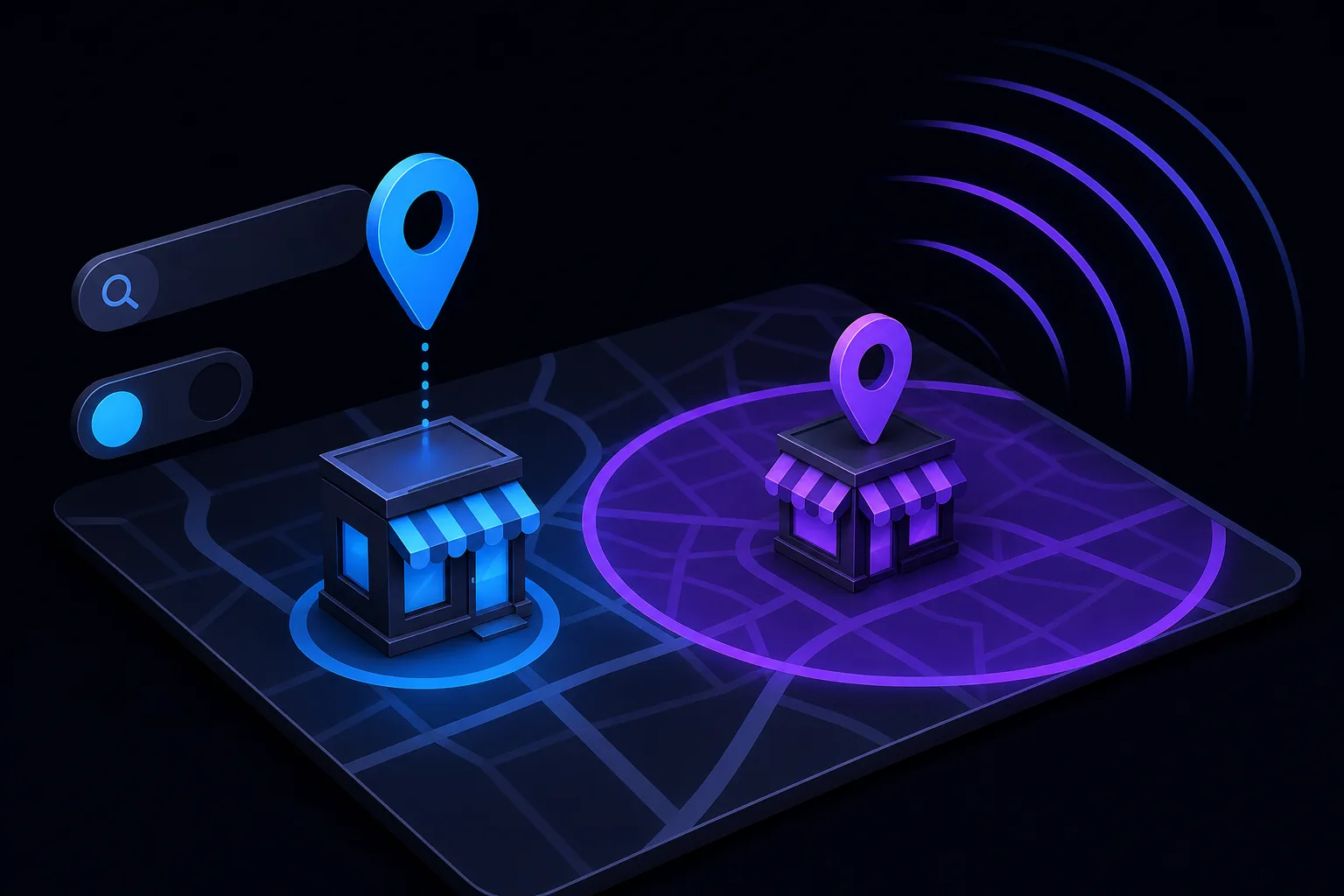
TL;DR: If your business physically staffs a location where customers can walk in, add a second Google Business Profile. If your team drives out to customers, set a service area on your existing profile instead. Getting this wrong risks suspension, not just bad rankings.
At a Glance
| Situation | Right Move |
|---|---|
| Second office, store, or clinic customers visit | Second GBP location |
| Technicians drive to customer homes or offices | Service area on existing GBP |
| Virtual office or mailbox, no staff on-site | Neither. Do not list it. |
| Hybrid: storefront plus delivery or visits | Second location with service area added |
| Franchise or second owned brick-and-mortar | Second GBP location |
What Google Actually Requires for a Second Location
Google's guidelines for representing your business are blunt: a location is only eligible for a separate profile if it has a physical address where customers can visit during stated hours, and staff are present.
That rules out:
- A co-working space you rent by the hour
- A PO box or UPS Store address
- A relative's house in a city you want to rank in
- A warehouse where no customer ever sets foot
If you open a real second office, a second shop, or a second clinic, yes, create a separate profile. Each profile is its own entity with its own reviews, photos, hours, and ranking signals.
Takeaway: A real address with real staff and real customer access is the threshold. Everything else is a shortcut that Google catches.
What a Service Area Actually Does
A service area tells Google the geographic zone your business serves from its primary address. Plumbers, electricians, landscapers, mobile notaries, and house-call vets are textbook service-area businesses.
When you set a service area, Google can still surface you in searches within that zone, even though customers never visit your location. You can list up to 20 service areas using cities, counties, or zip codes.
What a service area does not do:
- Give you a second pin on the map
- Create separate rankings for each city you list
- Replace the ranking boost that comes from physical proximity
That last point matters. If you are a plumber based in Fort Lauderdale and you add West Palm Beach as a service area, you will still rank weaker in West Palm Beach than a plumber actually located there. Service areas extend visibility, they do not erase distance.
Takeaway: Service areas are honest signals, not ranking hacks. Use them to tell Google where you work, not where you wish you ranked.
The Hybrid Case: Storefront That Also Serves Customers On-Site
Some businesses have a physical location customers visit and also send staff out. A glass repair shop that takes walk-ins but also does mobile windshield replacements is a good example.
In this case, you create a full GBP location (because customers visit) and also set a service area (because you travel). Google supports both on a single profile. You do not need two profiles for this.
If you genuinely open a second shop, that shop follows the same logic: its own profile, plus its own service area if applicable.
Takeaway: One location can be both a storefront and a service-area business. Two profiles are only justified when two distinct addresses exist.
Find out what your site is leaving on the table Get your free audit
Tradeoffs: Second Location vs Service Area
Second location, upside: Separate map pin, separate local pack eligibility, independent review accumulation, stronger proximity signals in that city.
Second location, downside: Requires real overhead. Fake locations get suspended, and suspension can drag down your legitimate profile too. See why GBP profiles get suspended for what that process looks like.
Service area, upside: Zero risk of suspension when used correctly. Signals coverage zone. Free and instant to set up.
Service area, downside: No second map pin. Weaker ranking in distant cities compared to businesses physically there. No separate review pool.
The honest math: If expanding physically is not in the budget, a service area is the legitimate and safe play. If you are opening a real location, skip the service area hesitation and create the second profile properly.
What Happens If You List a Fake Location
Google uses a mix of algorithmic signals and human review to verify addresses. Street View, user reports, postcard verification failures, and third-party data all feed into this.
If a profile is flagged as ineligible:
- It can be suspended outright
- Reinstatement requires documentation proving the address is legitimate
- In some cases the original profile reputation takes collateral damage
The risk-reward here is terrible. A fake location gives you a marginal ranking bump in one city at the cost of your entire Google presence if caught.
Takeaway: The suspension process is slow, painful, and not guaranteed to succeed. Do not manufacture a location.
Decision Checklist
Before you act, run through this:
- Is there a physical address customers can visit? Yes, proceed to step 2. No, use a service area.
- Is staff present there during business hours? Yes, proceed to step 3. No, do not list it.
- Can you pass a postcard verification at that address? Yes, create the second profile. No, do not list it.
- Do you also travel to customers from that address? Yes, add a service area to that profile too.
If you are unsure about your specific setup, the SmartAleck consultation is a reasonable place to work through it before making a change that could affect an established profile.
Verdict
Add a second Google Business Profile location only when you have a real, staffed, verifiable address that customers can visit. Use a service area on your existing profile when your team travels to customers, not the other way around.
The two options are not interchangeable, and they do not produce the same ranking results. A service area is honest and safe. A fake location is a suspension waiting to happen.
If you want someone to audit your current GBP setup and flag anything that could get you in trouble, the free AI readiness audit covers your overall local visibility picture including profile structure.
Find out what your site is leaving on the table
SmartAleck's free AI readiness audit scores your search presence and shows the exact gaps costing you customers. Two minutes, no sales call.
Frequently asked questions
Can I add a service area to a second GBP location that is also a storefront?
Yes. If customers visit the location and your staff also travels to customers, you can list it as a storefront and set a service area on the same profile. These two settings are not mutually exclusive.
How many service areas can I add to a Google Business Profile?
Google currently allows up to 20 service areas per profile. You can define them by city, county, or zip code. Adding more than 20 is not supported, so prioritize your most active markets.
Does adding more service area cities directly improve my ranking in those cities?
Not in proportion to what people expect. A service area tells Google where you operate, but physical proximity to the searcher still carries significant weight. A business actually located in a city will generally outrank a service-area listing from a distant address.
What documentation does Google ask for when verifying a second location?
Google typically sends a postcard with a verification code to the address. For some businesses, video verification is required, where you must show the storefront, interior, and business signage on a live call. A PO box or virtual office address cannot pass this process.