What Is a Google Knowledge Panel and How Do You Influence It?
A Google Knowledge Panel is that info box that appears when someone searches your business or brand by name. It pulls from multiple sources you may not control, but you have more influence over it than most business owners realize.
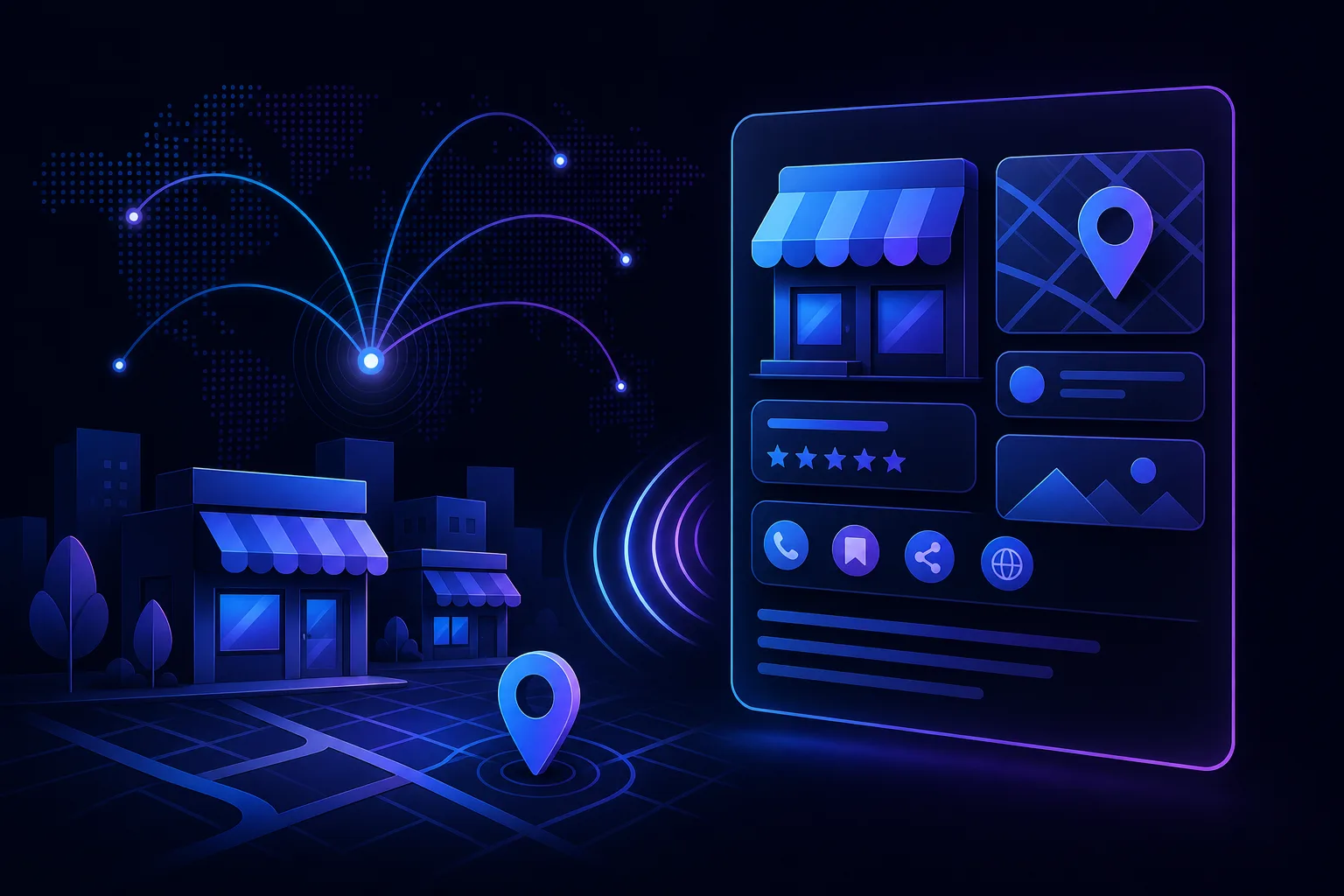
TL;DR: A Google Knowledge Panel is a branded info box that appears in search results when someone looks up your business or name directly. Google assembles it from public sources, your website, your Google Business Profile, and third-party databases. You can't hand-edit it like a Word doc, but consistent signals across the web push it toward accuracy.
What Happened
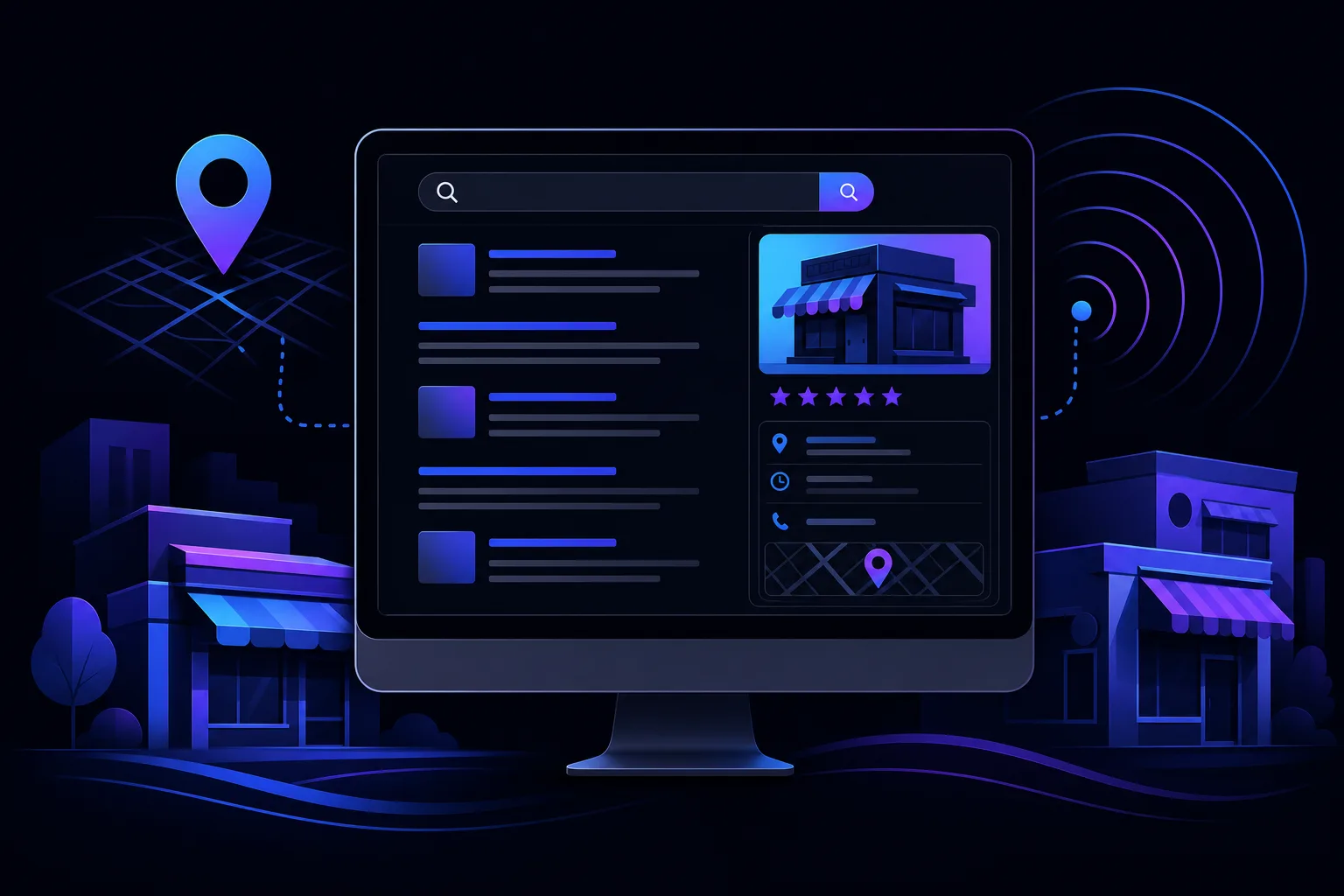
You searched your own business name in Google and saw a box on the right side of the desktop results (or near the top on mobile). It had your logo, hours, address, maybe a description, some photos, and links to your social profiles. That box is a Knowledge Panel.
Google has been building these panels for years, starting with famous people and major brands, then expanding to local businesses, podcasts, books, and pretty much anything it can confidently identify as a distinct entity. The goal is to answer basic questions about a known thing without making users click anything.
For a small business, a Knowledge Panel is essentially a mini-profile assembled and maintained by Google, not by you. Think of it as your Wikipedia page that you didn't write.
Google builds it from a mix of sources: your Google Business Profile, your website's structured data, Wikipedia (if you have an entry), Wikidata, prominent third-party directories like Yelp and Better Business Bureau, and a general crawl of the web. The more these sources agree with each other, the more confident Google gets, and the more complete your panel tends to be.
Takeaway: A Knowledge Panel is Google's public summary of your business, assembled without your permission.
Why It Matters
People searching your business name are not strangers. They already heard about you from somewhere, which means they are one step away from calling, visiting, or buying. A Knowledge Panel is what greets them when they arrive at Google.
If the panel shows an old phone number, the wrong address, or a description that reads like a robot wrote it in 2016, you are leaking conversions from your warmest prospects. That is a painful place to lose a sale.
Beyond the basics, Knowledge Panels are becoming a key surface in AI-powered search. When Google's AI Overviews or other answer-engine features respond to brand queries, they often pull entity data from the same underlying Knowledge Graph that powers your panel. A well-structured, consistent entity presence helps your business show up accurately in those new formats too. We covered that shift in more detail in how AI search results change local business discovery.
There is also a trust angle. A complete, verified Knowledge Panel signals legitimacy to users who are evaluating you. A sparse or incorrect one quietly raises doubt. No one says it out loud, but a business with a polished panel feels more established than one with a half-empty box or no panel at all.
For service businesses like law offices, HVAC companies, or repair shops, the Knowledge Panel also shows reviews at a glance. If your star rating is sitting there in large font, that is either helping you or hurting you every single day. Getting more reviews consistently, which we break down in how to get more Google reviews without begging, feeds directly into how that number looks.
Takeaway: Your Knowledge Panel is the first impression for people who already know your name. That is the worst time to look sloppy.
Find out what your site is leaving on the table Get your free audit
What We Don't Know Yet
Here is where the honest answer gets a little uncomfortable.
Google does not publish a rulebook for how Knowledge Panels are generated or updated. The general signals are well-understood by the SEO community, but the exact weighting and the timeline for updates are opaque. You can do everything right and still wait weeks for a correction to show up.
For local businesses specifically, it is not always clear when a business gets a full Knowledge Panel versus just a local map pack result or a merged GBP card. The distinction matters because the features available, and the data sources that feed them, are slightly different. Some industries seem to get richer panels than others, and the reasons are not fully documented.
The rise of AI Overviews also introduces new uncertainty. Google is experimenting with how entity information gets surfaced in AI-generated answers versus traditional blue-link results. Where Knowledge Panels fit in that future is still being worked out in real time. If you want a framework for thinking about that broader shift, what is answer engine optimization is worth a read.
Finally, if someone submits incorrect information through the "Suggest an edit" feature on your panel, Google may apply that change without notifying you. You need to check your panel periodically, not just once.
Takeaway: Google controls the panel, not you. The best you can do is give it consistent, accurate signals and monitor the output.
What To Do About It
Here is the practical rundown, in order of impact.
1. Claim and Verify Your Knowledge Panel
If you see a "Claim this knowledge panel" link in the panel (usually visible when you are signed into Google with your business account), claim it. This gives you a verified badge and a more direct channel to flag errors. You verify by connecting social profiles or your website to prove you are the legitimate owner.
Not every local business gets this option immediately. GBP verification is the more common path, and it feeds the same underlying data.
2. Lock Down Your Google Business Profile
Your GBP is the single most influential source for local business Knowledge Panels. Name, address, phone, hours, categories, description, photos. All of it. If your GBP is incomplete or inconsistent with your website, that friction shows up in the panel.
Run through the full Google Business Profile optimization checklist if you have not done so recently. Pay particular attention to your primary category, because it influences which attributes and features Google even offers you.
3. Fix Your NAP Consistency Across the Web
Google cross-references your business information against dozens of directories and citation sources. If your address is formatted differently on Yelp, your website, and your GBP, those conflicts erode confidence in the data. The result is either a sparse panel or one that shows a stale version of your info.
This is not glamorous work, but it matters. The NAP consistency explainer walks through exactly why this happens and how to fix it.
4. Add Structured Data to Your Website
Schema markup, specifically LocalBusiness schema, tells Google in machine-readable format exactly what your business is, where it is located, what it does, and how to reach it. It does not guarantee a richer Knowledge Panel, but it removes ambiguity that otherwise forces Google to guess.
If your website does not have schema markup, this is worth putting on the to-do list. You can start by checking your domain health at /tools/domain-health to see what signals your site is already sending.
5. Build Your Entity Footprint
Google identifies businesses as entities partly based on how consistently they appear across authoritative sources. A LinkedIn company page, a Facebook page with your full business info, a Crunchbase profile if relevant, mentions in local news or industry directories. All of these contribute to what the SEO community calls your entity authority.
This is also why social profile links appear in Knowledge Panels. Google is showing visitors that it has cross-referenced your presence and confirmed the connections. The more of these you have pointing to the same consistent information, the stronger the entity signal.
6. Request Corrections When the Panel Is Wrong
If your panel shows incorrect information that you cannot fix through GBP or schema, use the feedback button directly in the panel. Sign in to your Google account, find the "Suggest an edit" link, and submit the correct information with supporting evidence where possible. Link to your website, GBP, or official social profile to back up the correction.
For significant errors on business name, location, or description, you can also use Google Search Console's support channel if you have verified your site there. It is slower than you want it to be, but it does work.
If you want a second set of eyes on your current setup before you start making changes, you can run a free AI readiness audit to see where your online presence has gaps that might be holding back your panel and your broader visibility.
Takeaway: The playbook is unglamorous: clean GBP, consistent citations, schema markup, and patience. Nothing flashy, but it works.
Find out what your site is leaving on the table
SmartAleck's free AI readiness audit scores your search presence and shows the exact gaps costing you customers. Two minutes, no sales call.
Frequently asked questions
Does every business get a Google Knowledge Panel?
Not automatically. Google generates Knowledge Panels for entities it can confidently identify and describe using public data. Local businesses with a verified GBP, consistent citations, and a clear online presence are more likely to get one than businesses with sparse or contradictory information.
How long does it take for Knowledge Panel changes to appear?
It varies, and Google does not publish a specific timeline. Minor updates from a well-maintained GBP can appear within days. Corrections submitted through the feedback tool can take weeks or longer. Structured data changes on your website may take one or more crawl cycles to register.
Can someone else edit my Knowledge Panel?
Anyone can suggest an edit using the feedback link in your panel, and Google may apply those suggestions. This is why monitoring your panel regularly matters. Claiming and verifying your panel gives you a more direct channel to flag and correct bad edits.
What is the difference between a Knowledge Panel and a Google Business Profile listing?
Your Google Business Profile is data you manage directly in Google's business tools. A Knowledge Panel is the public-facing display card Google generates from multiple sources, including your GBP. They overlap heavily for local businesses, but the panel can also pull from your website, social profiles, and third-party directories.
Does a Knowledge Panel help with SEO rankings?
Not directly in terms of ranking your website higher for competitive keywords. But it strongly influences brand perception and click-through for people already searching your name. It also feeds the entity data Google uses in AI-powered search features, which is increasingly relevant for visibility.
You May Also Like
View All Posts
How to Rank in Google's Local Map Pack (Step by Step)
Google’s local results consider relevance, distance, and prominence. This guide shows practical steps to improve your Business Profile, earn genuine reviews, and keep business details accurate.
Schema Markup for Local Businesses, Explained Simply
Schema markup isn't magic and it isn't code sorcery. It's a labeling system that tells Google what your business actually is. Here's how to add it without hiring a developer or reading a spec sheet.
Why Google Shows a Different Business Name Than Yours
Your website says one thing, Google says another. Here's why Google sometimes overrides your business name on Maps and Search, what causes it, and the exact steps to get your real name back.
Separate Google Business Profiles for Each Service?
Creating a Google Business Profile for every service sounds like smart local SEO. Usually, it is duplicate-listing trouble. Learn the difference between distinct businesses, departments, practitioners, and services that belong on one profile.