What Happens to Your SEO When You Redesign Your Website
A website redesign can quietly erase months of SEO progress before your new site even goes live. Here's what breaks, why it matters for local businesses, and the concrete steps to take before, during, and after launch to protect your rankings.
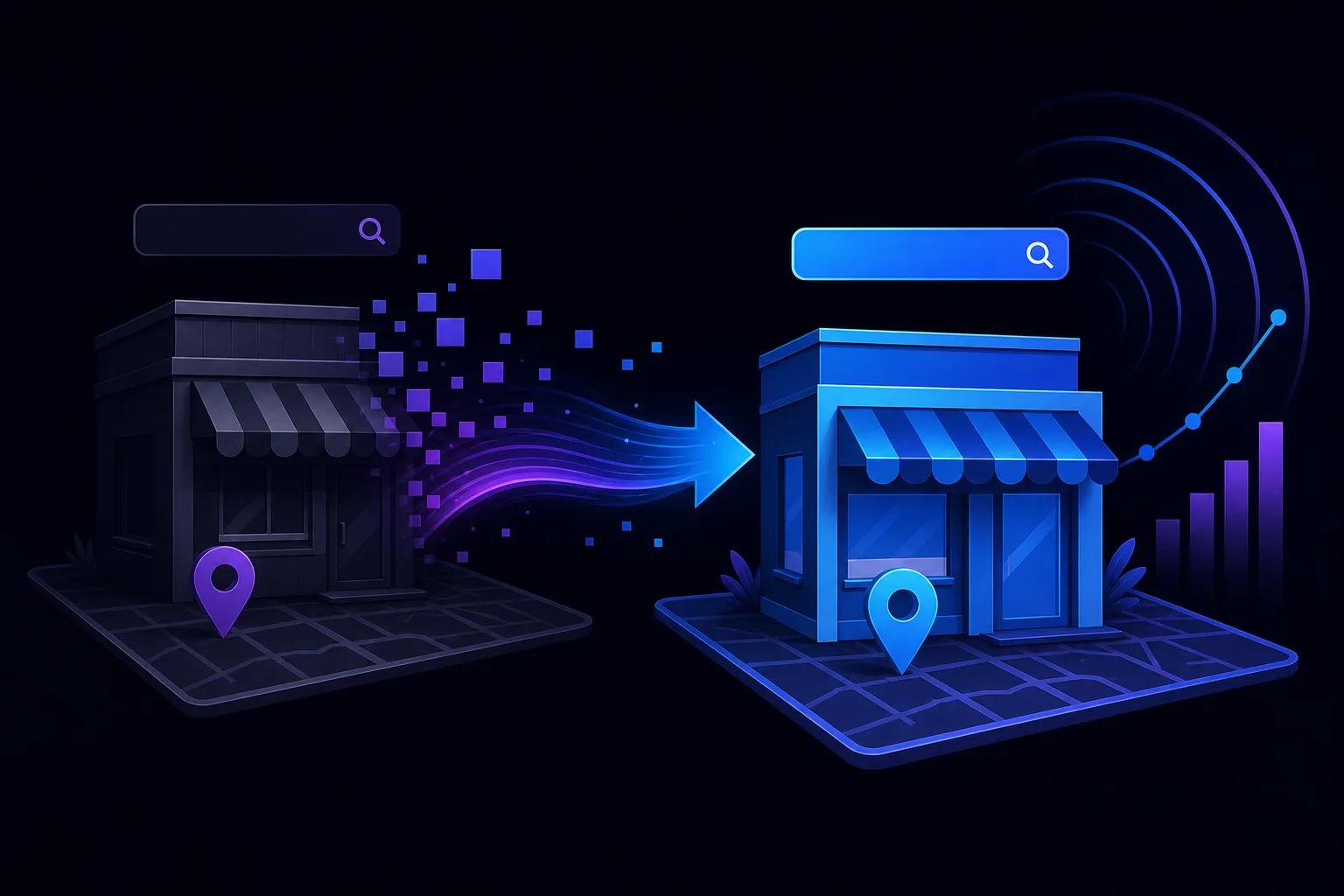
TL;DR: A website redesign is one of the fastest ways to destroy hard-earned search rankings. URLs change, content disappears, signals get lost, and Google treats your shiny new site like a stranger. With a pre-launch checklist and proper redirects, most of the damage is preventable.
What Happened
You hired someone to rebuild your website. New look, faster load times, better photos. The designer handed it over, you hit publish, and within two weeks your phone stopped ringing. Your rankings dropped. Your Google Business Profile traffic cratered. What went wrong?
This is not a rare horror story. It is the default outcome when a redesign is treated as a visual project instead of a technical one. The problem is that Google's understanding of your site is built on signals it has collected over months or years: specific URLs, on-page content, internal link structure, page titles, structured data, and backlinks pointing to exact addresses. Change any of those without telling Google what happened, and you have effectively introduced yourself to the algorithm as a new, unproven website.
For a plumber in West Palm Beach or a law office in Dallas, that gap between losing rankings and recovering them can cost real revenue.
Why It Matters
Here is a breakdown of the specific things that break during a redesign and what each one costs you.
URLs change without redirects
This is the single most common and most damaging mistake. Your old site had /services/water-heater-repair. Your new site has /services/plumbing/water-heater-repair. Without a 301 redirect, every backlink pointing to the old address, every Google index entry, every bookmark, is now a dead end. Google sees a 404. Your ranking evaporates.
The fix is a redirect map: a spreadsheet matching every old URL to its new equivalent, built before launch and implemented the day you go live.
Content gets rewritten or removed
Designers and copywriters often rewrite pages to sound cleaner. The problem is that Google ranked your old content for specific reasons. Specific phrases, question answers, service details. When those disappear, so does the relevance signal that earned your position.
This does not mean you can never update copy. It means you should audit what your top-ranked pages are ranking for before anyone edits them. Tools like a domain health check can help you baseline what you have before the wrecking ball swings.
Structured data gets stripped
Many redesigns move from one CMS to another or use a new theme that drops schema markup entirely. If your old site had LocalBusiness schema, service schema, or FAQ schema, and your new site does not, Google loses a structured source of information about your business. For local businesses especially, that structured data supports map pack visibility.
Read more about how schema works for local businesses in this plain-English breakdown.
Internal link structure changes
Your old site passed authority through a specific internal linking pattern. New navigation menus, new page hierarchies, and new URL slugs disrupt that flow. Pages that used to collect internal link equity from ten other pages may now receive it from two.
Page speed and Core Web Vitals shift
A redesign sometimes improves speed. It also sometimes adds heavy JavaScript frameworks, large image files, and third-party scripts that tank load times. Google uses Core Web Vitals as a ranking signal. A redesign that hurts your LCP or CLS scores will hurt your rankings too.
Takeaway: The ranking damage from a redesign is not random. It traces directly to specific, preventable technical failures.
Find out what your site is leaving on the table Get your free audit

What We Don't Know Yet
How long recovery takes depends on factors that are genuinely hard to predict. Google's recrawl schedule for your domain, the volume and quality of backlinks you had, how thoroughly your redirects were implemented, and whether your new content is stronger or weaker than the old copy all play a role.
For a small local business with modest authority, recovery after a well-managed redesign often takes two to four months. After a poorly managed one, some rankings never fully return because competitors filled the gap.
There is also an emerging wrinkle: AI search visibility. Tools like ChatGPT, Perplexity, and Google's AI Overviews build their understanding of your business from crawlable content and structured data. A redesign that strips that context can make your business invisible in AI-generated answers, not just traditional search. If that gap is a concern, an AI search visibility audit is worth considering before or shortly after launch.
What to Do About It
This is the part most redesign guides skip. Here is a practical sequence, organized by phase.
Before launch
- Crawl your current site. Use a tool like Screaming Frog or your domain health checker to export every URL currently indexed.
- Pull your top-performing pages. Check Google Search Console for pages driving the most impressions and clicks. These are your protected assets.
- Build a redirect map. Match every old URL to a new one. If a page is being deleted and has no equivalent, create one or redirect to the closest relevant page.
- Document your existing meta titles, descriptions, and on-page copy for top-ranking pages before anyone rewrites them.
- Audit your structured data. Note what schema types exist on the current site and make sure they are replicated on the new one.
At launch
- Implement all 301 redirects on day one. Not day three. Not after the designer finishes. Day one.
- Submit your updated sitemap to Google Search Console immediately after launch.
- Run a post-launch crawl to confirm redirects are resolving correctly and no unintended 404s exist.
After launch
- Monitor Search Console daily for two to four weeks. Watch for crawl errors, coverage drops, and click drops on your key pages.
- Check Core Web Vitals in PageSpeed Insights and fix regressions before Google recrawls at scale.
If you are working with a web design firm and SEO is not explicitly in their scope, it probably is not being handled. That is worth asking about directly. SmartAleck's web design service accounts for SEO continuity as part of the build, not as an afterthought.
If you want a quick read on your current site's health before anything changes, the free AI readiness audit is a reasonable starting point.
Find out what your site is leaving on the table
SmartAleck's free AI readiness audit scores your search presence and shows the exact gaps costing you customers. Two minutes, no sales call.
Frequently asked questions
How long does it take to recover SEO rankings after a website redesign?
Recovery time varies based on how well the redesign was managed. A well-executed redesign with proper redirects and preserved content may see stabilization in two to four months. A poorly managed one with broken URLs and missing content can take much longer, and some rankings may not return if competitors have filled the gap.
Do I need to notify Google when I launch a new website design?
You cannot notify Google directly, but you should submit an updated XML sitemap through Google Search Console immediately after launch. You should also ensure 301 redirects are in place so Google's crawlers follow old URLs to the correct new pages.
Will a redesign help or hurt my local SEO specifically?
It can go either way. A redesign that improves page speed, restores structured data, and strengthens content can lift local rankings. One that changes URLs without redirects, removes schema markup, or strips location-specific content can push you out of the map pack quickly.
What is the biggest SEO mistake people make during a website redesign?
Changing URLs without implementing 301 redirects. Every link pointing to your old addresses, from other websites, from Google's index, from social posts, becomes a dead end. Google treats those pages as gone, and the ranking value they carried disappears with them.
You May Also Like
View All Posts
How Long Does SEO Take to Work for a Local Business
Most local businesses see meaningful SEO results in three to six months, not three to six weeks. Here's what's actually happening during that time, what milestones to watch, and how to tell if your SEO is working or just burning daylight.

Keyword Cannibalization: Is It Killing Your Local SEO?
When two pages on your site fight for the same keyword, Google gets confused and both pages lose. Here's what keyword cannibalization actually means, why it's especially nasty for local businesses, and the practical steps to fix it before it costs you more customers.

SEO Retainer vs Project SEO: Which Fits Your Business?
An SEO retainer keeps improving your visibility month after month. A project solves a defined problem, then stops. Here is how small-business owners can choose based on their goals, website condition, budget, and ability to keep the work moving.

Schema Markup for Local Businesses, Explained Simply
Schema markup isn't magic and it isn't code sorcery. It's a labeling system that tells Google what your business actually is. Here's how to add it without hiring a developer or reading a spec sheet.